 Goodsoil Dev
How I build projects with AI.
Welcome! In my free time on weekends, I build things for students, church groups, musicians, and friends. People often ask how so many projects are possible with AI — here are the guides and tools I personally use, and the apps that came out of them.
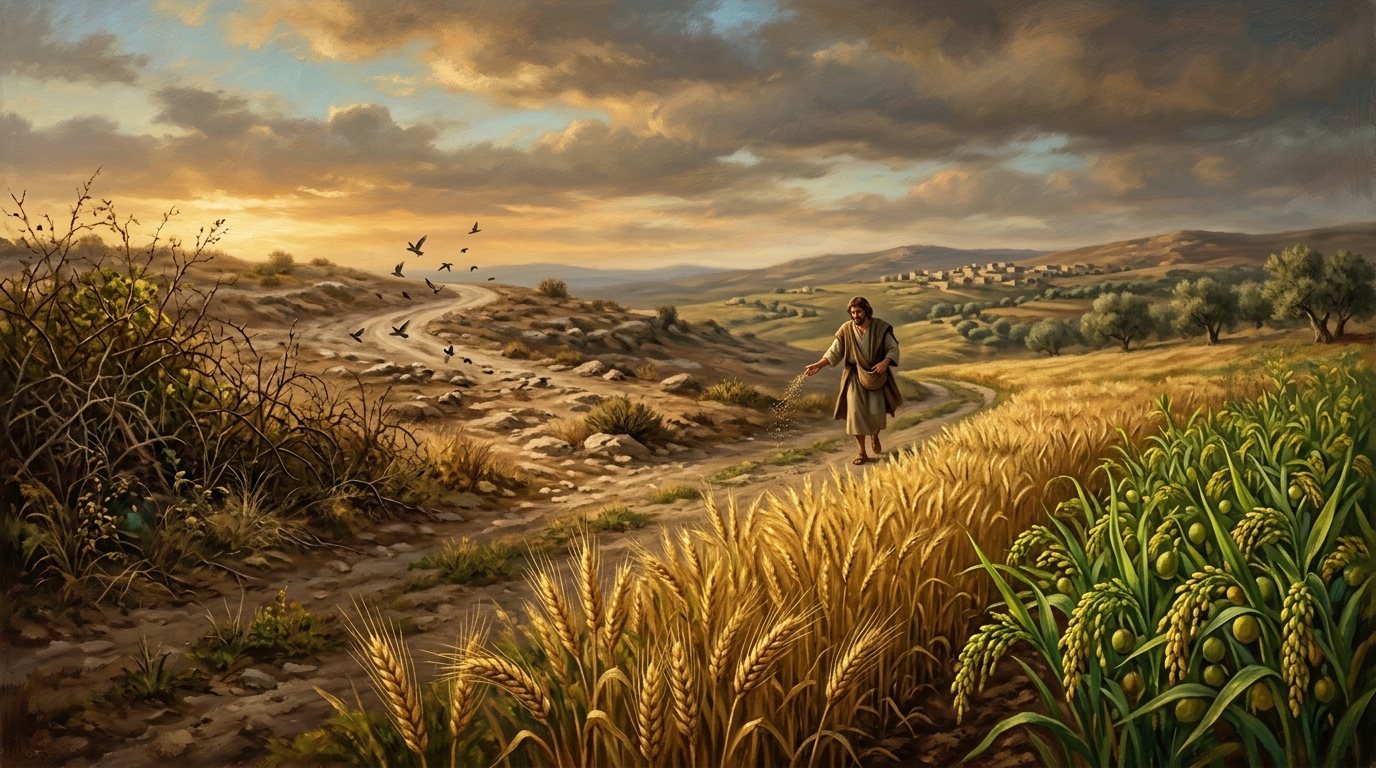
"A farmer went out to sow his seed... Still other seed fell on good soil, where it produced a crop — a hundred, sixty or thirty times what was sown."
This parable is a personal philosophy close to my heart, and I apply it in daily life. Building digital projects is the same: I build across different uses, learning as I go. Some projects take me further as more people use them — they take root and multiply. Many don't, and stay one-offs that were part of the learning. If the farmer only thought about weeds and birds, he'd never reach the thirty, sixty, or hundredfold. Don't fear failure; count it as learning.
Guides, tools, and apps that shipped
Pick the person you want to help, then follow the notes below.
Guides
7 short build guides
From problem sketch to shipped site: tokens, tool choice, secrets, hosting. Each takes minutes to read.
Explore guides→Tools
What I actually run
OMP and Pi first, OpenCode and Claude Code when they fit, Vercel and Zeabur for hosting.
View tools→Apps
10 apps in use today
Study marking, gospel sharing, board games, chord sheets, flashcards, prayer walls — four open to everyone.
See applications→Guides
Start here, finish with a link you can share
Seven short reads: what a model does, where to start, which tool fits, how to keep secrets safe, how to ship.
Guide 1
LLMs, Coding Assistants, and Tokens
What a model does, what the assistant adds, and why long chats cost more.
Guide 2
Don't Start with AI, Start with a Problem
Name the person, the chore, and the workaround — then decide where a model helps.
Guide 3
Picking the Right AI Tool
Browser chat, research notebook, or terminal coder — pick the lightest fit.
Guide 4
Project Files That Matter
The five files that matter, and how .gitignore keeps keys off GitHub.
Tools
The setup behind these builds
The exact assistants, models, and hosts behind the apps below. No roundup — just what runs in my terminal.
Oh My Pi (OMP) & Pi
Terminal coding assistants. OMP is where every project on this site starts.
OpenCode & Claude Code
OpenCode for switching models mid-task. Claude Code inside repos I need to read fast.
Vercel & Zeabur
This site ships on Vercel. Apps with databases or long-running work ship on Zeabur.
Apps
Used every week by someone I know
Ten shipped builds. Four open to everyone, six running for specific groups.
Built for one group, then shared
Professor Turtle marks Singapore science answers. ChordViewer turns a photo of a song sheet into a transposable chart. Lifted holds a cell group's prayer list. Each started as a favour, then kept running.
See all 10 apps
Good News
A 7-minute visual walkthrough of the Christian gospel — face to face or by link.
Read overview→Puzzle Arena
Seven board and puzzle games online — host a room, share a 6-character code, play.
Read overview→Professor Turtle
Fresh Singapore-syllabus practice, marking with explanations, and a follow-up tutor.
Read overview→Quizzard Flashcards
A free, colourful flashcard maker with smart review for tricky cards.
Read overview→About
Built by James in Singapore
Weekday tech projects, weekend builds for family, church, and friends. I write up what worked so you can skip my mistakes.